

The Rewards feature lets you create and manage your own rewards program, with different prizes earned by reaching fundraising goals that you choose. Send us your reward levels and corresponding prizes, and we’ll set everything up.
To set it up, visit Site Builder → Features → Fundraising → Rewards Setup.
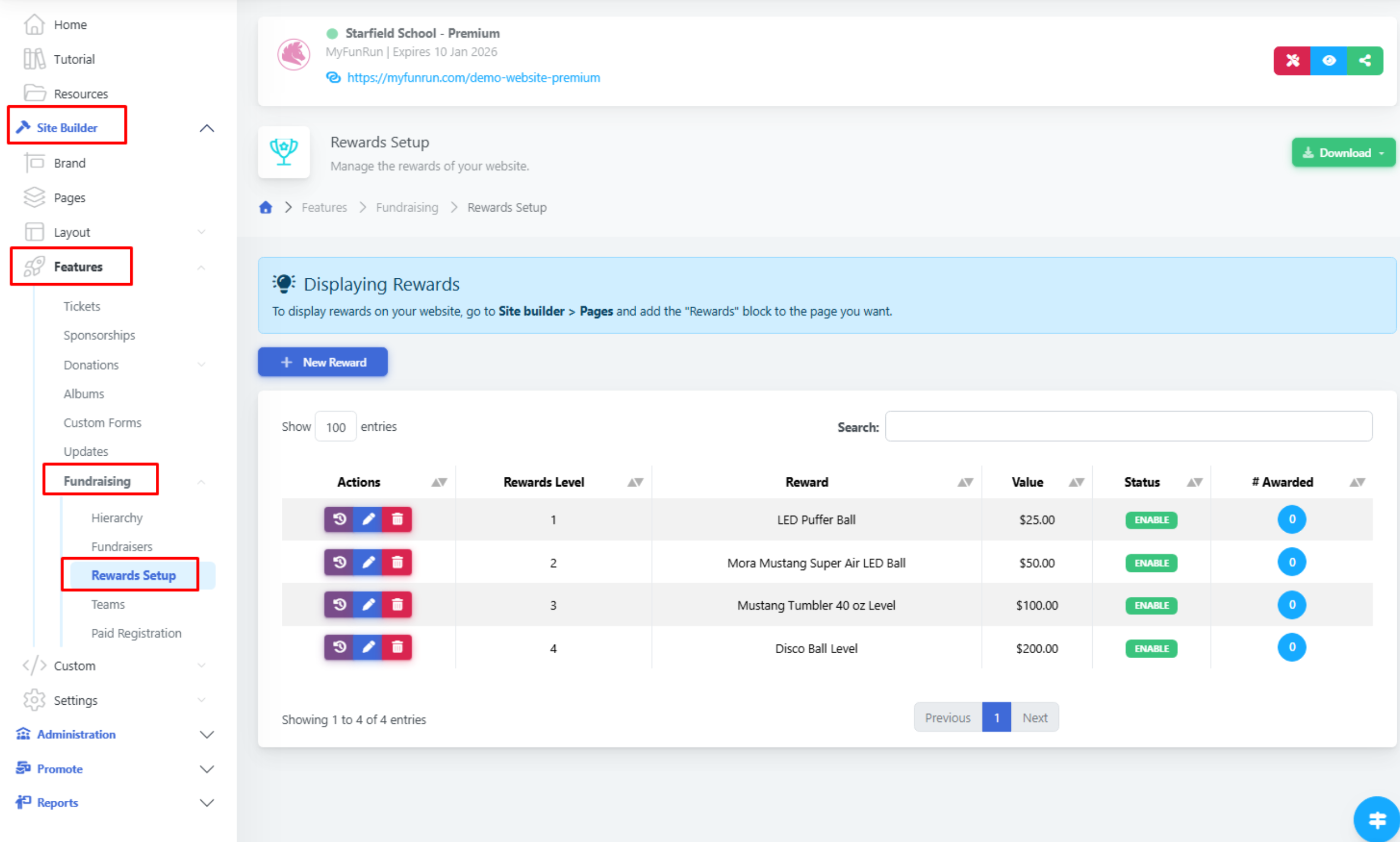
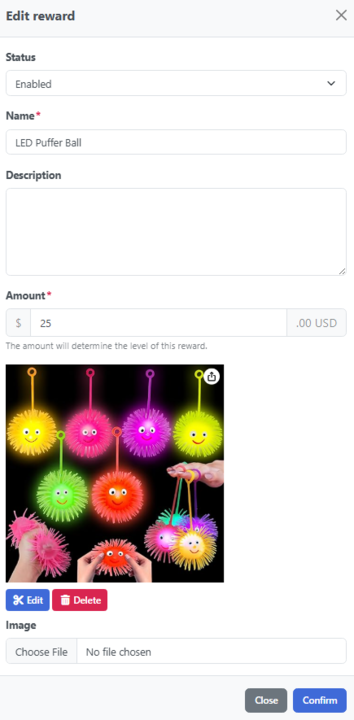
Click on New Rewards
To see who qualifies for rewards, visit Site Builder → Features → Fundraising → Fundraisers. Look for the Rewards Level column. The number displayed will show which reward tier each participant is eligible for.
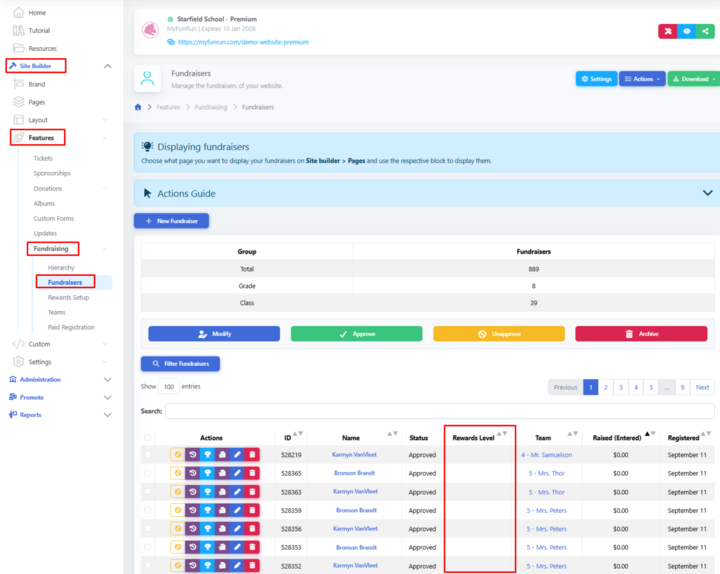
Click on the Rewards icon for a specific Participant to modify and/or assign a reward for them.

For multiple participants, check the box beside each name and click Modify, then select the appropriate reward level.