
View individuals, class, and grade totals at a glance!
This report displays the total raised by each pareticipant, each class, and each grade.
Find the Totals report for the fundraising via Reports → E-Commerce → Fundraising → Totals.
The table displays the total dollar amount collected and the total number of transactions for each the student, class, grade, or team. 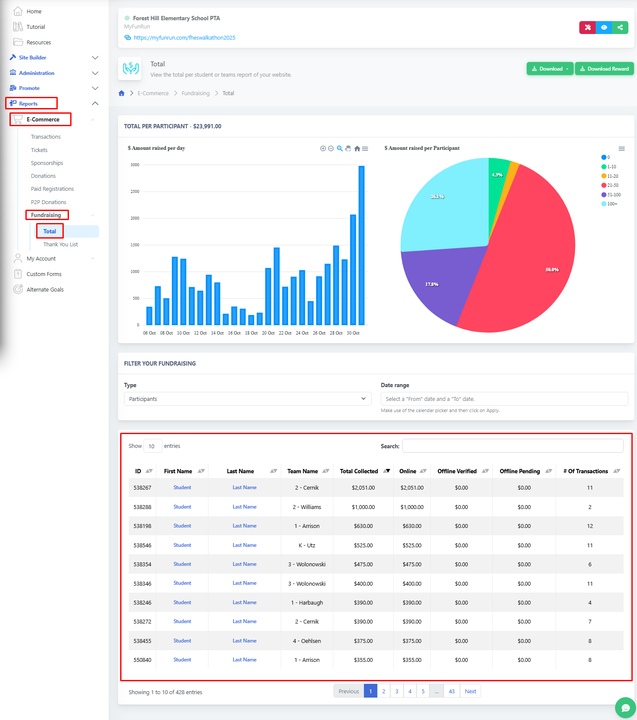
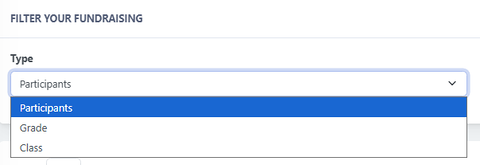
Use the "Filter your fundraising" dropdown to filter the report by participant, class, or grade.
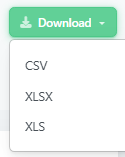
You can also download a sheet in CSV, XLSX, or XLS format with the information.